
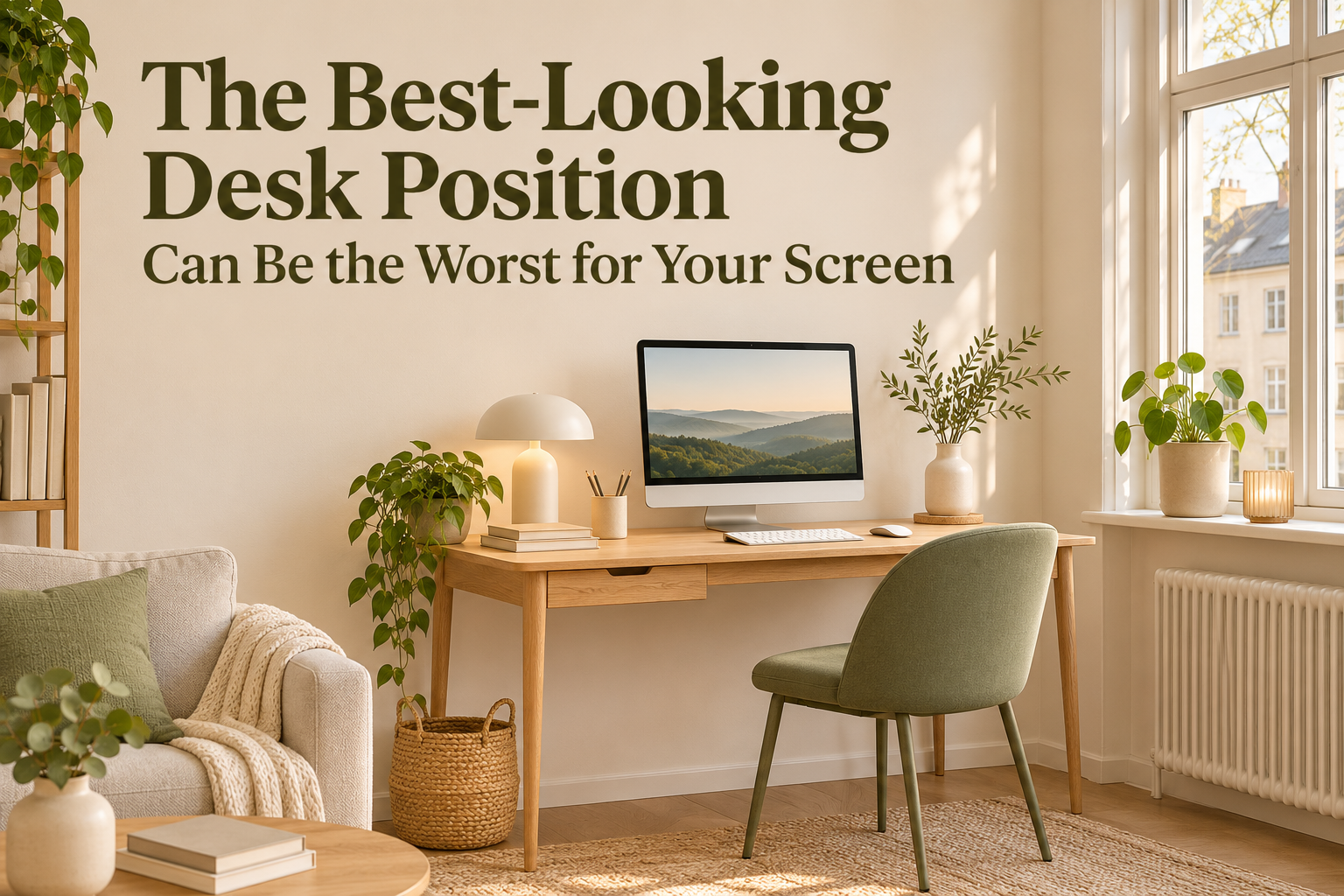
A desk beneath a window looks like the obvious choice for a small home office: daylight, a view, and no extra furniture in the middle of the room.
Then you open your laptop and spend the afternoon trying to see past a bright window—or a reflection of one.
The best-looking desk position can be the worst for your screen. That does not make a window-facing desk automatically wrong. It means the view from the doorway is not the view that matters while you work.
Before buying a new desk, screen filter, or lamp, compare the window’s position with your normal seated view. A small change in orientation may be worth testing first.
Work Out Which Light Problem You Actually Have
Two setups can look equally bright in a room photo but create different problems at the desk.
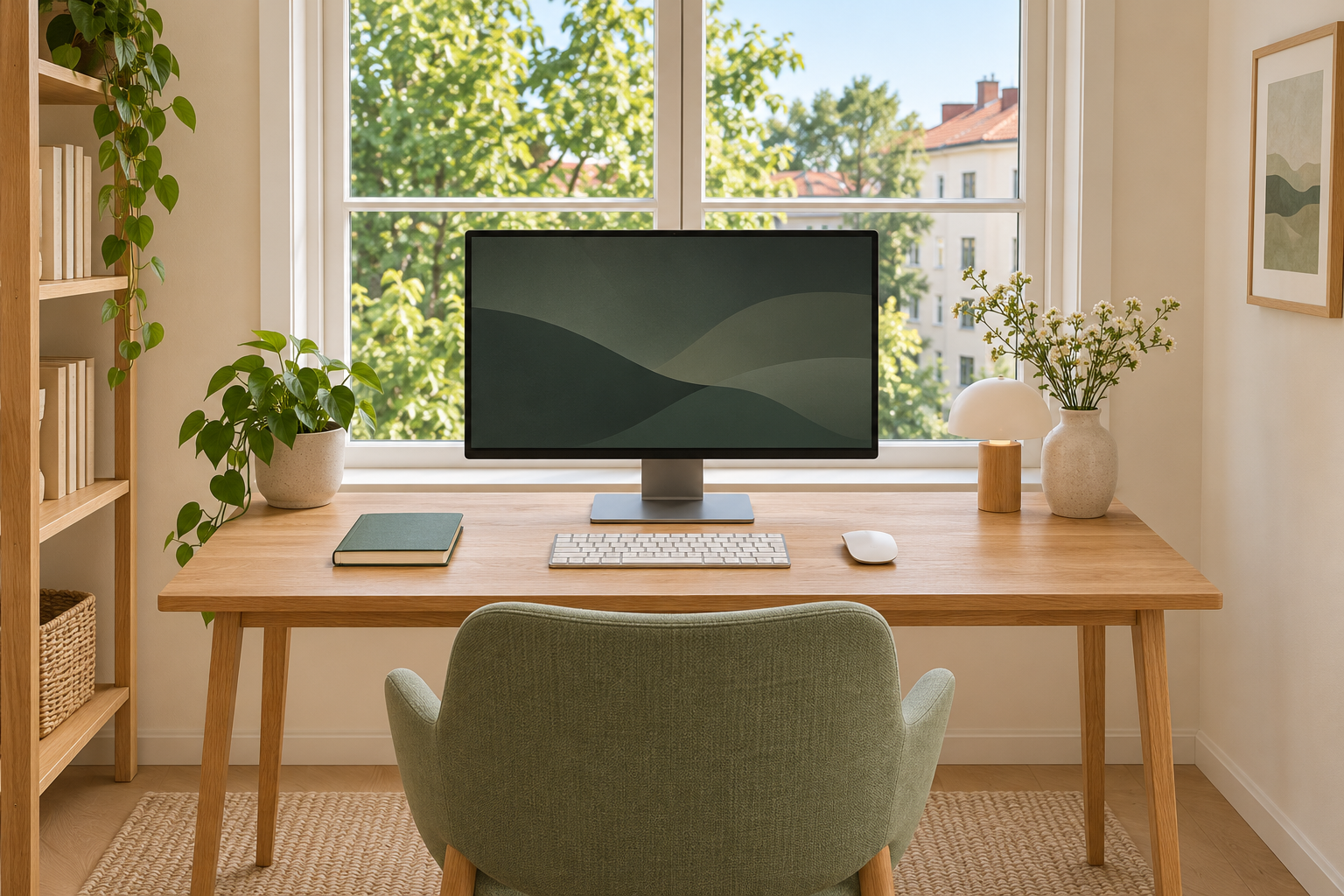
- A window beyond the screen: you look toward a bright background while trying to read a darker display.
- A window behind your chair: the window may appear as a reflection on the screen.
OSHA’s workstation guidance distinguishes bright backgrounds from reflected glare and recommends arranging screens at right angles to windows where possible.
Start by sitting normally, rather than inspecting the desk from the room entrance. Look at the screen and the area immediately around it. If you are changing your position to avoid the light, note what you are avoiding: a reflected window, a bright background, or sunlight crossing the desk.
A window directly beyond the monitor can create a bright background even without a reflection on the screen.
Try Side Light Before Buying More Equipment
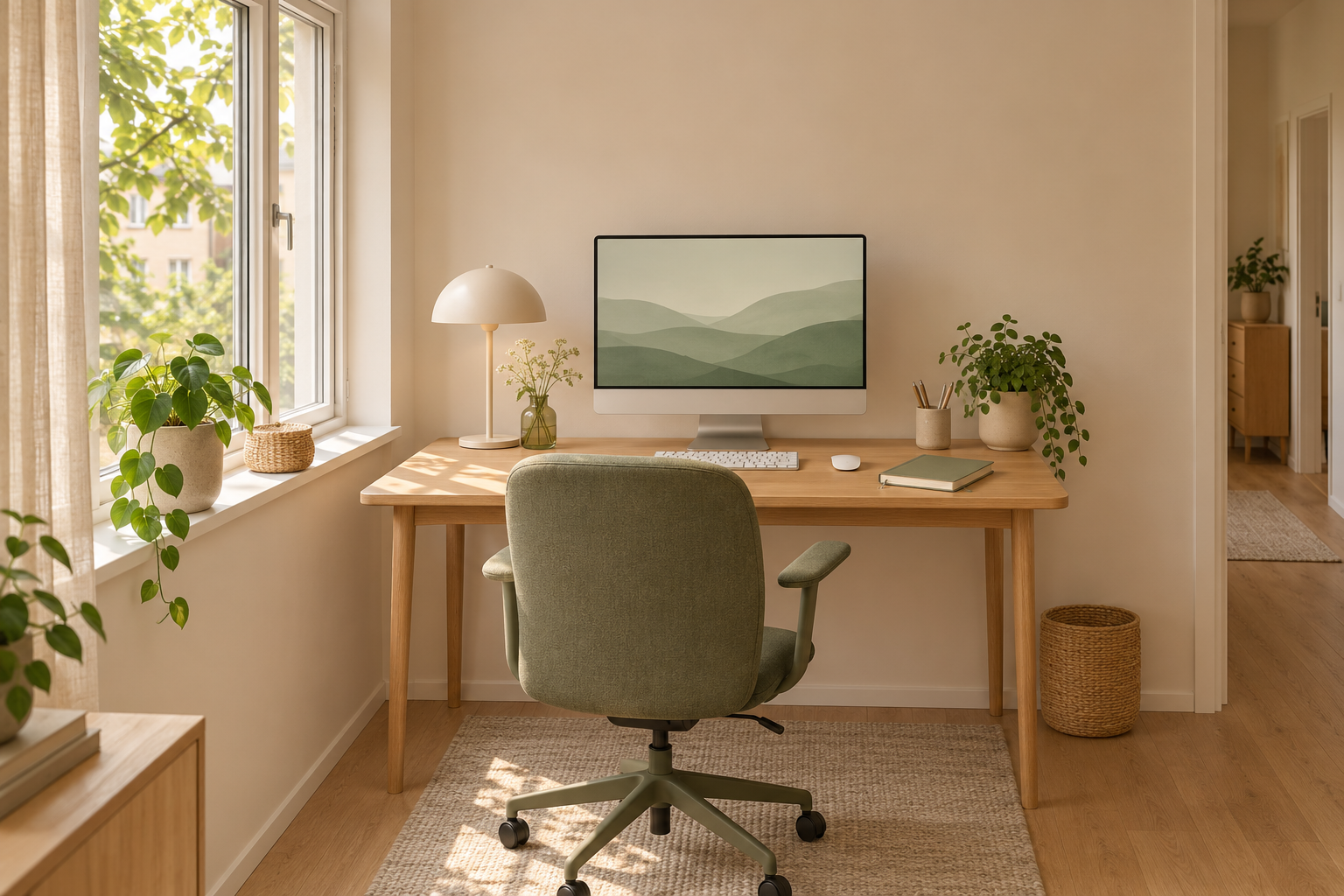
Where the room allows it, test a position with the window to your side and the screen facing a quieter wall. Think of the screen plane as roughly perpendicular to the window plane.
This is a starting position, not a promise of a glare-free desk. Sun direction, window size, screen finish, and the time you work still matter.
Move the chair and working position with the screen. Simply twisting the monitor into a corner while leaving your keyboard straight ahead can create a different problem. Keep the setup usable as a whole.
In a small bedroom, test the arrangement before making the move permanent. Open the closet, pull out the chair, and walk the route past the desk. A better light angle is not a useful trade if it blocks everyday access.
Our chair-out layout test can help you check that second part of the decision.
With the window to the side, the screen can face a plain wall without moving the workspace away from daylight.
If the Desk Cannot Move, Control the Window
A narrow apartment may offer only one sensible desk wall. A fixed built-in surface, a shared room, or a short cable route can also limit your choices. You do not need to replace the room’s entire layout to test an improvement.
Start with the window covering you already have. Adjust it while looking at your usual work on the screen, not only at how bright the room looks. Check whether you can reduce the distracting light while keeping useful daylight elsewhere.
Colorado State University’s lighting guidance recommends window coverings and careful monitor adjustments when relocation is not possible, rather than relying only on higher screen brightness.
If you consider a new covering, check its installation requirements, rental permissions, and the way it operates at your window. Do not assume every sheer curtain will control strong direct sun, or that a product described as light-filtering will solve your specific setup.
A small screen adjustment may also help, provided you can still face it comfortably. Test one change at a time so you can tell which change actually helps.
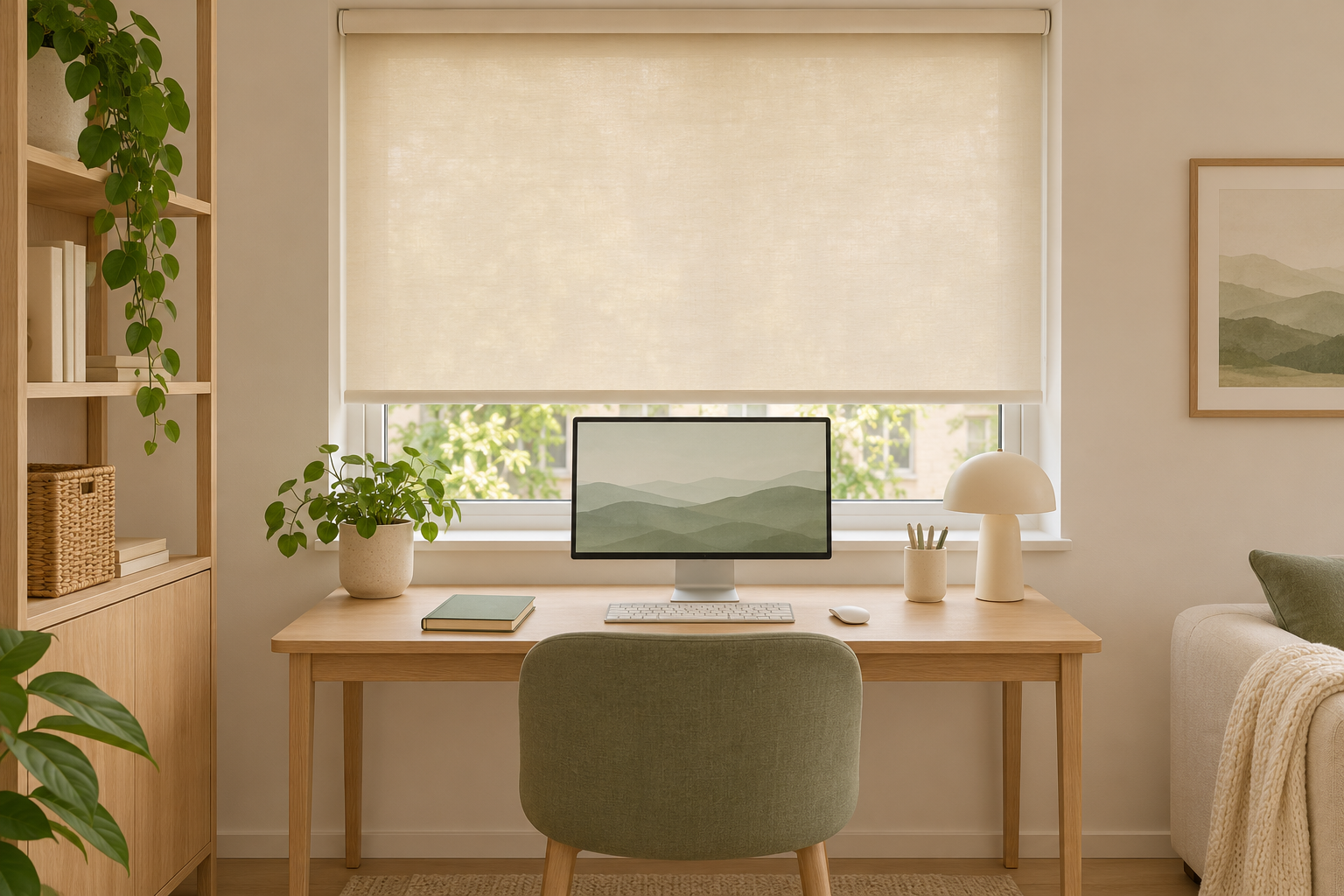
An adjustable shade gives a fixed window-facing desk another option besides leaving the window fully exposed.
Keep Paper Lighting Separate From Screen Lighting
If you read printed notes beside your keyboard, making the whole room darker may leave the paper difficult to see.
Try a task light directed toward the page, and check the screen from your seated position after you switch it on. A lamp that looks attractive beside the monitor can still show up as a reflection. Avoid shining it toward your eyes.
Use the equipment you already own for this test. You are deciding where light is useful before deciding whether another product is necessary.
Repeat the Test During Your Actual Working Hours
A successful evening arrangement may tell you little about a desk you use in morning sun.
Try the same reading or editing task at the times you normally work. Keep the screen settings and task similar while comparing positions or window-covering settings. Then adjust display settings for comfortable use once the layout is chosen.
Record a practical observation, such as “The window reflection appears after lunch” or “The shade lets me read without leaning sideways.” That is more useful than declaring one direction universally best.
If you take comparison photos, keep the room, furniture, and exposure consistent. A darker photograph is not proof of a better workspace, and a bright photograph cannot tell you how the screen looks to your eyes.
Keep the View When It Works
A shaded window, a different working schedule, or mostly paper-based tasks may make a window-facing desk a reasonable choice. There is no need to rearrange a setup that works comfortably just to follow a styling rule.
The useful order is simple: identify the light problem, test a side-window position if space allows, try controlling the window if it does not, and recheck the room in use.
For the wider furniture plan, see how to fit a home office into a small bedroom. Treat daylight as something to work with, not a reason to place the desk where a photograph looks best.
Images are AI-generated illustrations of placement principles, not measured lighting tests or a guarantee of results. The suggestions above are layout experiments; individual needs and room conditions vary.

Comments